Inside OpenClaw: The 5 Files That Power Production AI Agent Orchestration
A deep dive into the architectural backbone of the open-source platform running 16+ channels, 60+ tools, and 34+ plugins — and the 5 specific files every orchestration developer must understand.
Inside OpenClaw: The 5 Files That Power Production AI Agent Orchestration
A deep dive into the architectural backbone of the open-source platform running 16+ channels, 60+ tools, and 34+ plugins
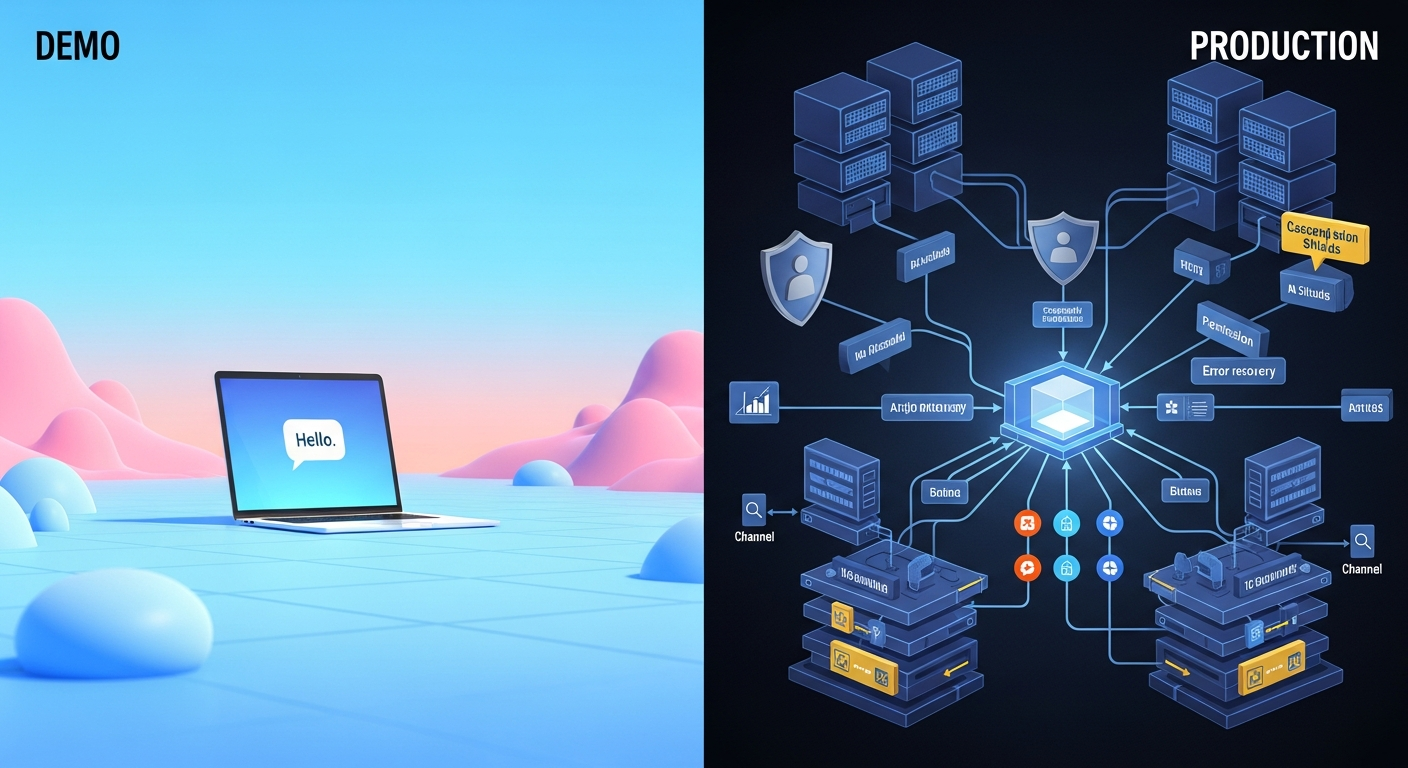
Every AI agent tutorial shows you the happy path. Connect to an API, send a message, get a response. Ship it.
Then production happens.
Your API key gets rate limited at 2 AM. The context window overflows mid-conversation. A Discord message and a Telegram message hit the same agent simultaneously. A plugin conflicts with another plugin. An agent tries to execute a tool it shouldn't have access to.
OpenClaw — the open-source AI agent orchestration platform with 4,885 files and ~6.8 million tokens of TypeScript — has solved all of these problems. And the solutions live in 5 specific files that every developer building orchestration platforms needs to understand.
This analysis draws from the OpenClaw codebase map, deep source code review of the 5 critical files, and 17 industry sources on agent orchestration patterns. Here's what we found.
1. The Agent Execution Loop: Where Resilience Lives
File: src/agents/pi-embedded-runner/run.ts — Lines 137-866
This is the single most important function in the codebase: runEmbeddedPiAgent(). At 730 lines, it orchestrates the complete agent lifecycle. But what makes it production-grade is what happens when things go wrong.
Three layers of resilience:
Auth profile rotation (lines 329-354): When an API key hits rate limits, OpenClaw doesn't crash. It advances to the next provider profile, checks cooldown status, and retries. A circular buffer of API keys with cooldown tracking keeps agents running through rate limit storms.
Context overflow compaction (lines 386-540): When the LLM context window fills, OpenClaw auto-compacts the conversation — up to 3 attempts — rather than failing. This means long-running agent sessions don't just stop working.
Tool result truncation (lines 654-796): Oversized tool outputs get intelligently truncated to fit the context window, with provider-specific error handling and graceful fallover.
The pattern to steal: Per-session lane queueing prevents concurrent runs from corrupting state. A global lane prevents resource exhaustion. This dual-queue architecture is essential for any multi-tenant agent system.
2. The Auto-Reply Pipeline: 16 Channels, One Brain
File: src/auto-reply/reply/get-reply.ts — Lines 53-335
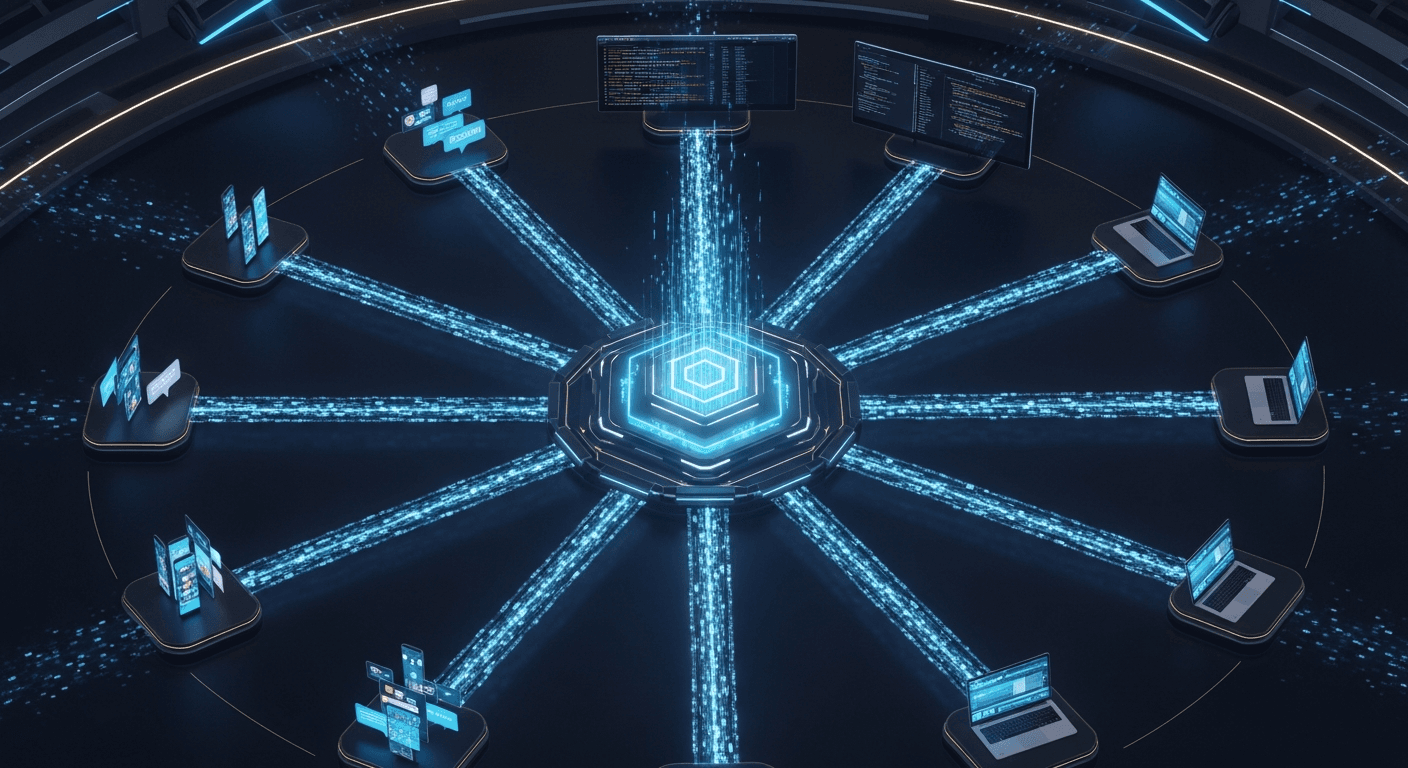
Every inbound message — whether from Telegram, Discord, Slack, WhatsApp, Signal, iMessage, LINE, MS Teams, or 8 other channels — enters through getReplyFromConfig().
It implements a functional pipeline with a clever early-exit pattern: each stage returns either { kind: "reply" } (respond immediately) or { kind: "continue", result } (pass enriched context forward).
The pipeline stages:
- Parse and authorize the message source
- Resolve which agent handles this session
- Enrich context with media understanding and link expansion
- Initialize or continue session state
- Process directives (inline commands like
/model,/think) - Execute the agent with full context
- Stream response blocks back to the channel
Why it matters: This is the blueprint for processing diverse input sources through a unified execution engine. Adding a new channel means implementing the channel adapter — the pipeline handles everything else. No code duplication, no channel-specific logic in the core.
3. The Gateway Server: The Central Nervous System
File: src/gateway/server.impl.ts — Lines 155-638
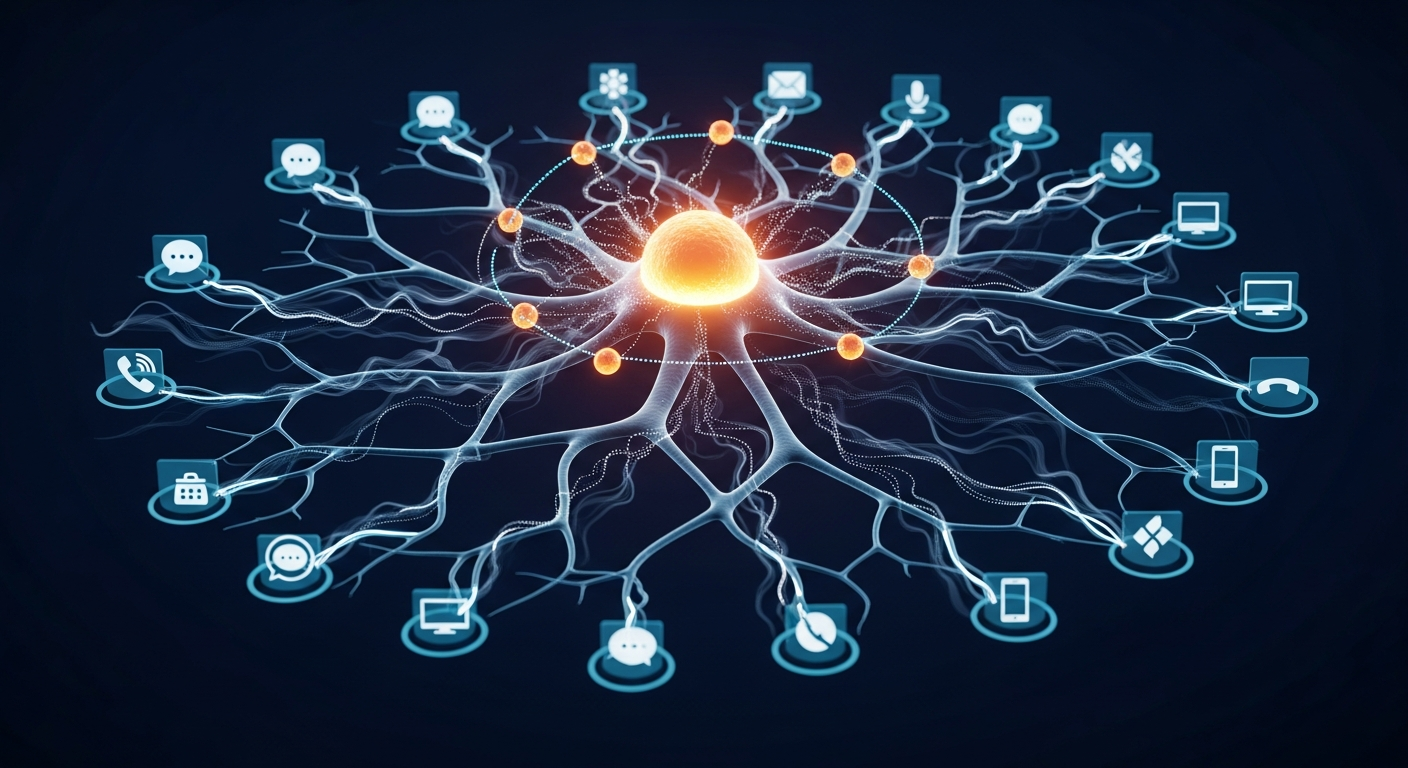
Port 18789 is where everything connects. The CLI, macOS app, iOS app, Android app, web UI — every client talks to the gateway via JSON-RPC over WebSocket.
Three details separate this from demo code:
mDNS/Bonjour discovery (lines 382-403): Clients automatically find the gateway on the local network. No manual IP configuration.
Plugin-extensible RPC (lines 220-236): Plugins can register new gateway methods. This means custom management dashboards can expose new endpoints without modifying core code.
Broadcast with backpressure (lines 320-330): When events fan out to all connected clients, slow clients get dropped rather than blocking the system. This single detail prevents one misbehaving client from degrading the entire platform.
The architecture insight: The gateway is a protocol, not just an API. You can build Gateway-compatible tools — proxies for audit logging, firewalls for additional security, simulators for testing — without forking OpenClaw.
4. The Plugin Runtime: 34 Extensions, Zero Instability
File: src/plugins/loader.ts — Lines 169-453
OpenClaw has 34 plugin extensions covering channels, tools, memory backends, and auth providers. loadOpenClawPlugins() manages the entire lifecycle: discovery, validation, conflict resolution, and registration.
Key architectural decisions:
Slot-based providers (lines 340-363): Only one memory provider, one voice provider, etc. can be active. This prevents the "multiple implementations fighting" problem.
Scoped API injection (lines 391-437): Each plugin receives an OpenClawPluginApi scoped to its capabilities. Plugins can't access internals they shouldn't touch.
Schema-validated config (lines 364-383): Plugin configurations are validated against JSON schemas at load time. Misconfigured plugins fail fast with clear error messages.
Dynamic TypeScript loading (lines 294-310): Jiti enables loading TypeScript plugins without a build step. Development velocity without compromising type safety.
The pattern to steal: Scoped APIs with dependency injection create a trust boundary. Plugins get power without getting access to everything. This is how you build extensible platforms that don't collapse under their own ecosystem.
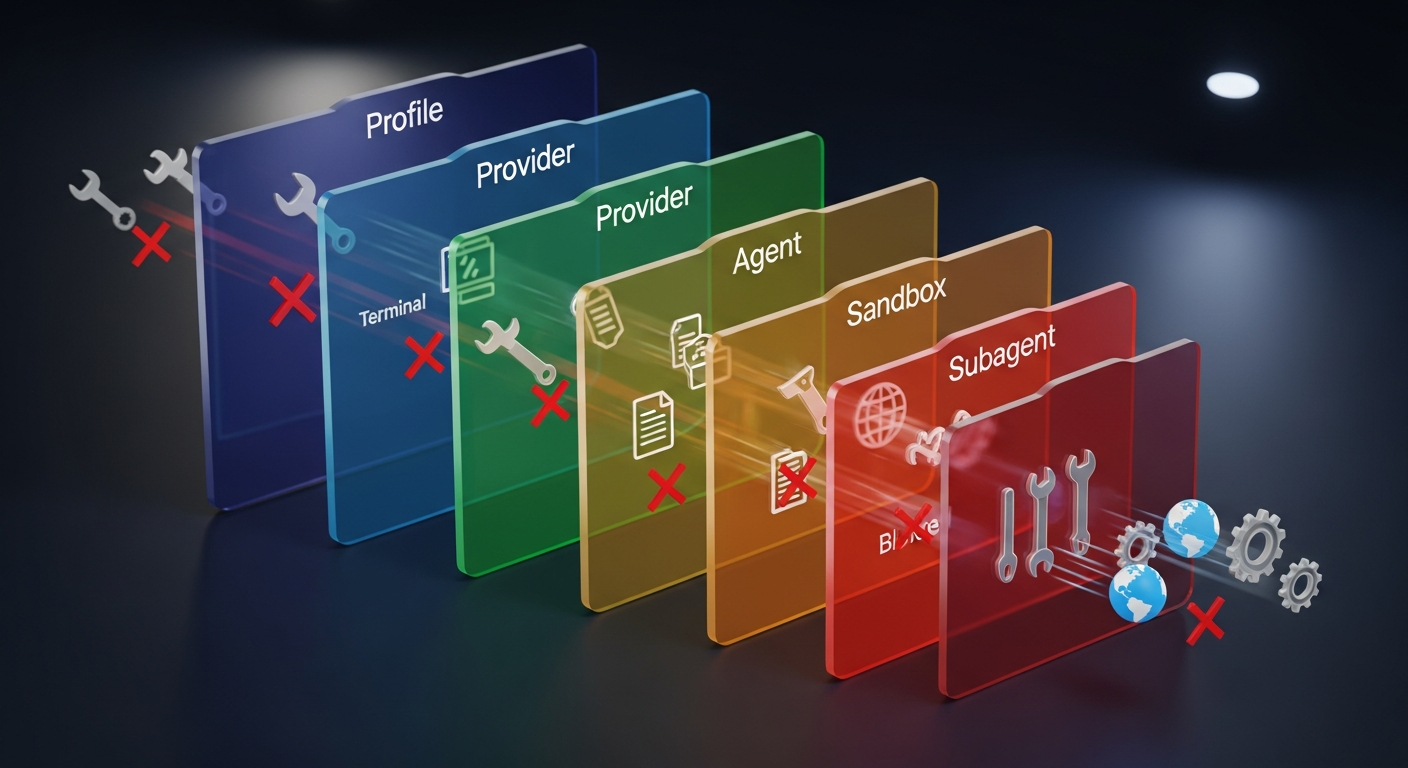
5. The Tool Policy Engine: 5 Layers of Permission
File: src/agents/tool-policy.ts — Lines 3-274
With ~60 tools available, controlling access is critical. OpenClaw implements a 5-layer cascading permission system:
Profile -> Provider -> Agent -> Sandbox -> Subagent
A deny at any layer blocks the tool entirely. This deny-wins approach prevents privilege escalation — a parent can never grant more than a grandparent allows.
Tool groups (group:fs, group:web, group:plugins) enable bulk policy application. Predefined profiles (minimal, coding, messaging, full) provide one-line configuration for common scenarios.
The most clever feature: plugin-only allowlist stripping (lines 230-274). If a user's allowlist only contains plugin tools, OpenClaw automatically adds core tools back in. This prevents accidental self-lockout — a real problem when users copy-paste configuration examples.
Industry context: According to Kong's analysis of MCP tool governance, the same default-deny pattern is emerging industry-wide. GitHub MCP exposes 40+ tools but restricts to 2-8 per agent type. OpenClaw implemented cascading tool policies months before MCP governance became an industry talking point.
The Architecture Pattern Map
These 5 components connect in a deliberate cycle:
| Pattern | File | Production Problem It Solves |
|---|---|---|
| Resilient execution | run.ts |
API rate limits, context overflow, auth failures |
| Pipeline composition | get-reply.ts |
Multi-channel message processing without duplication |
| Gateway communication | server.impl.ts |
Multi-client coordination with real-time events |
| Plugin extensibility | loader.ts |
Ecosystem growth without core instability |
| Cascading permissions | tool-policy.ts |
Secure tool access across trust boundaries |
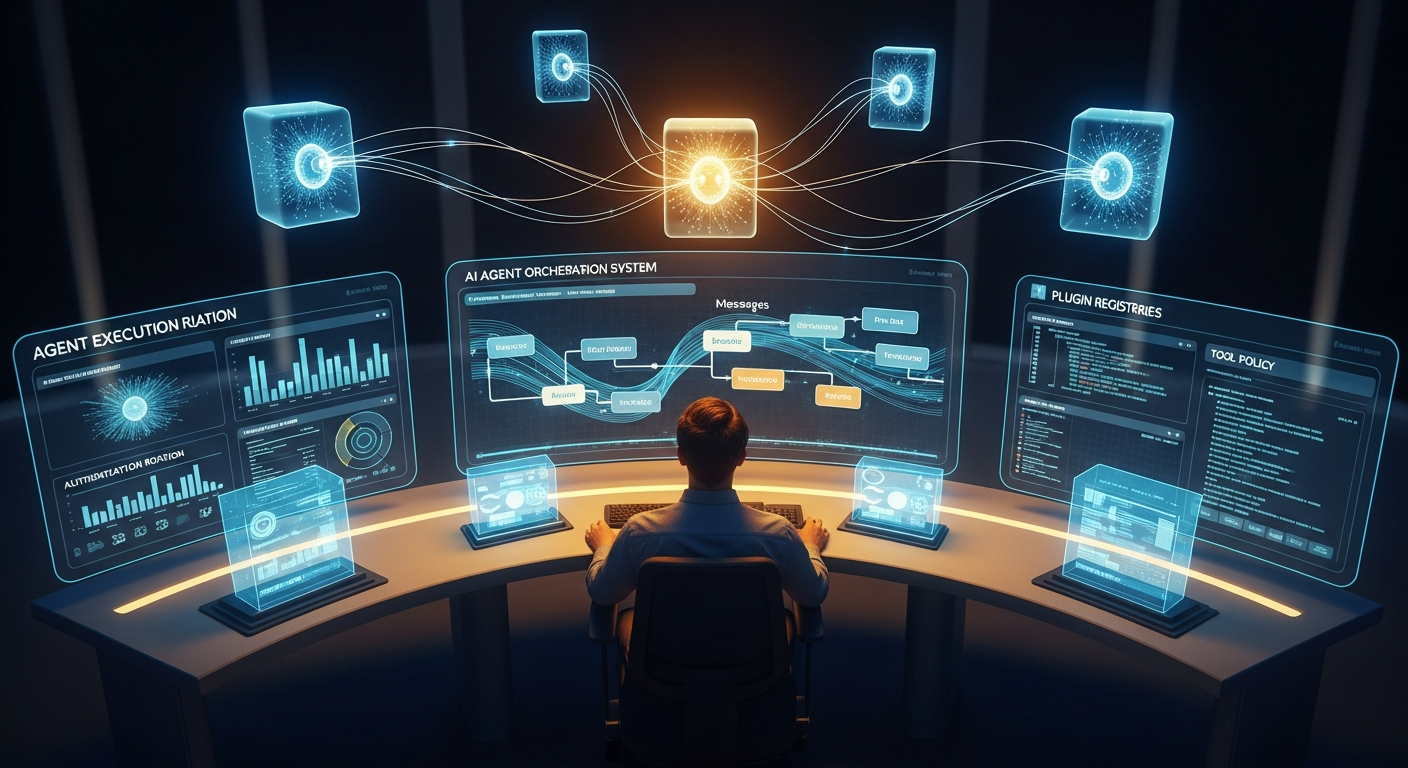
What This Means for Builders
If you're building an orchestration or management platform on top of OpenClaw, these are your study materials. Not the docs (though those are good). The source code. Because the patterns in these 5 files — resilient execution loops, functional message pipelines, gateway protocols, scoped plugin APIs, cascading permissions — are universal.
They apply whether you're building on OpenClaw, LangGraph, CrewAI, or your own custom framework. They're the patterns that separate production systems from demos.
Gartner reports a 1,445% surge in multi-agent system inquiries. The demand for orchestration platforms is exploding. The developers who understand how production platforms actually work — not just the happy-path tutorials — will build the infrastructure the industry needs.
Start with these 5 files. Read the code. Understand the patterns. Then build something that doesn't fall over at 2 AM.
Sources
- IBM: What is AI Agent Orchestration
- AIMultiple: Top Agentic Orchestration Frameworks 2026
- Kong: MCP Tool Governance
- Shakudo: Top AI Agent Frameworks 2026
- Microsoft: AI Agent Design Patterns
- AWS: Build Resilient Generative AI Agents
- OpenClaw Codebase (Cartographer map + source analysis)
Written by
Global Builders Club
Global Builders Club
If you found this content valuable, consider donating with crypto.
Suggested Donation: $5-15
Donation Wallet:
0xEc8d88...6EBdF8Accepts:
Supported Chains:
Your support helps Global Builders Club continue creating valuable content and events for the community.