ClawdBot: The Self-Hosted AI Assistant That Lives Inside Your Messaging Apps
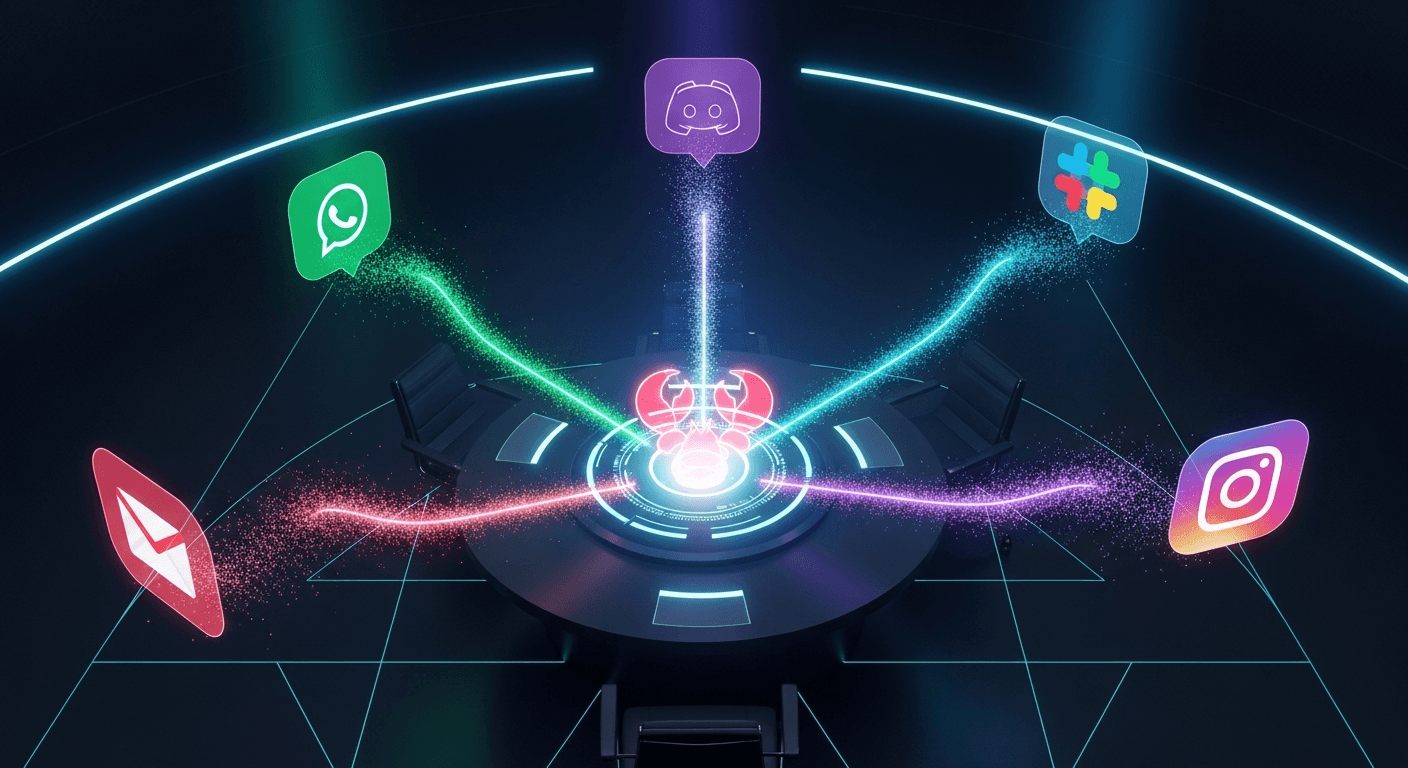
What if your AI assistant didn't require opening yet another app? ClawdBot lives inside WhatsApp, Telegram, Slack—wherever you already spend your digital life. Here's how to set it up.
ClawdBot: The Self-Hosted AI Assistant That Lives Inside Your Messaging Apps
How to set up, configure, and use the personal AI that Siri should have been
What if your AI assistant didn't require opening yet another app? What if it lived inside WhatsApp, Telegram, Slack—wherever you already spend your digital life? What if it could message YOU with morning briefings, remember every conversation, and grow smarter through an extensible skills system?
That's ClawdBot, and after researching it extensively, I believe it represents the future of personal AI assistants.
What Is ClawdBot?
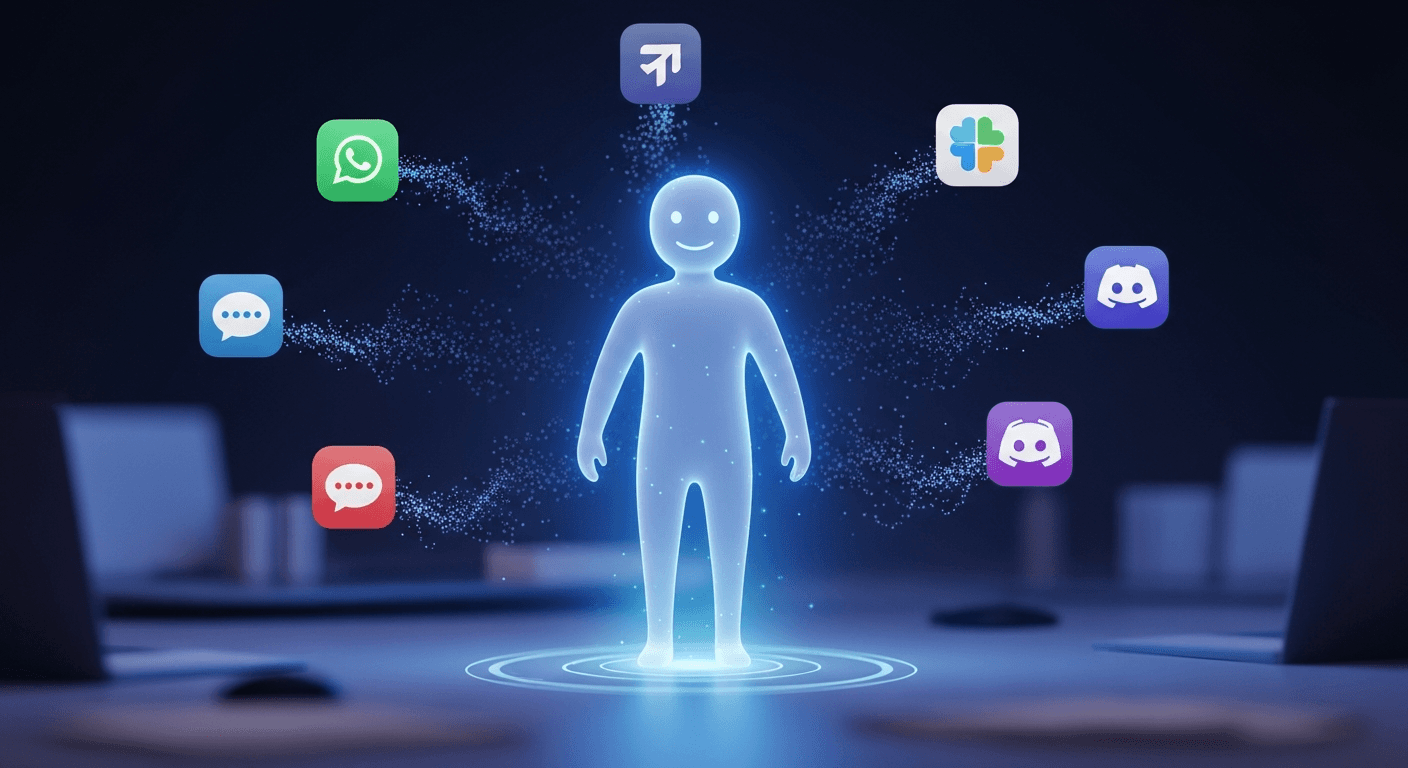
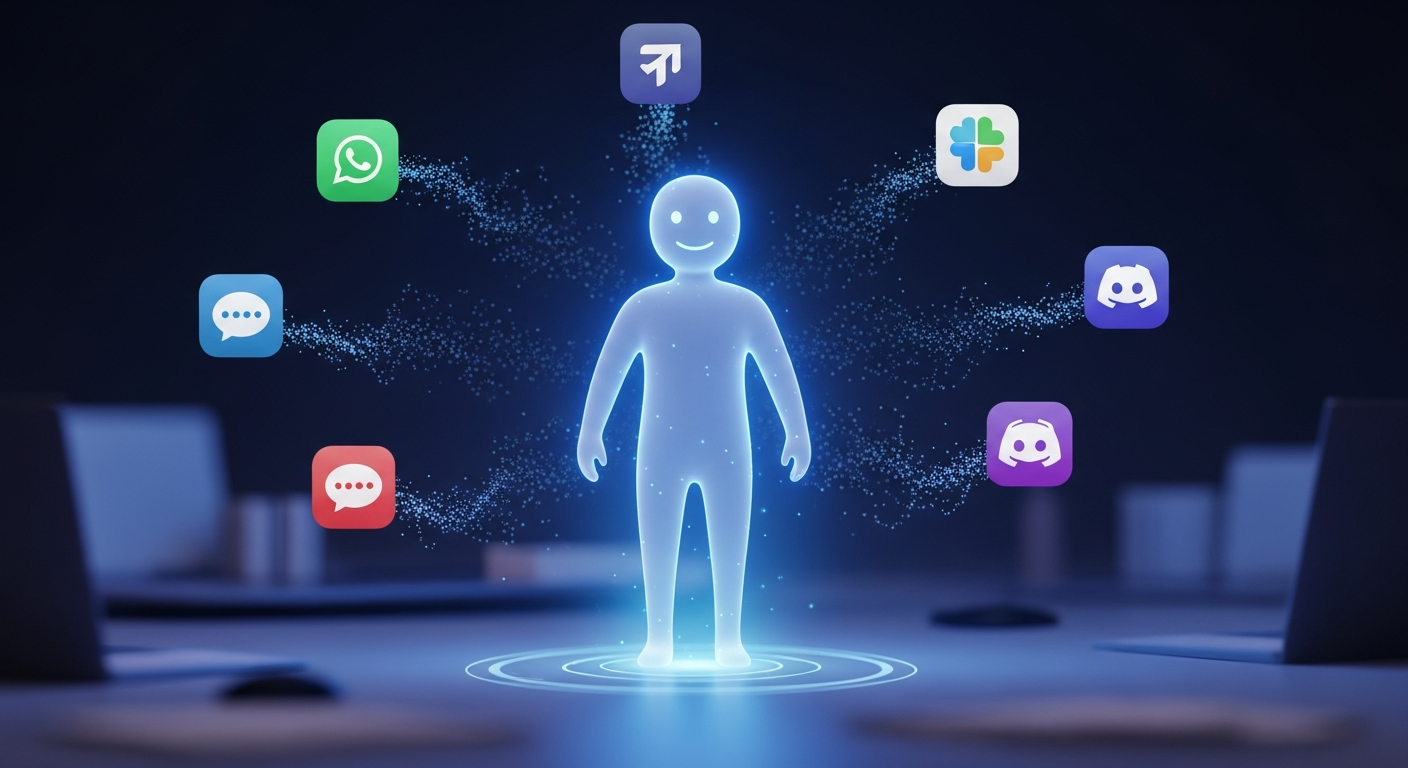
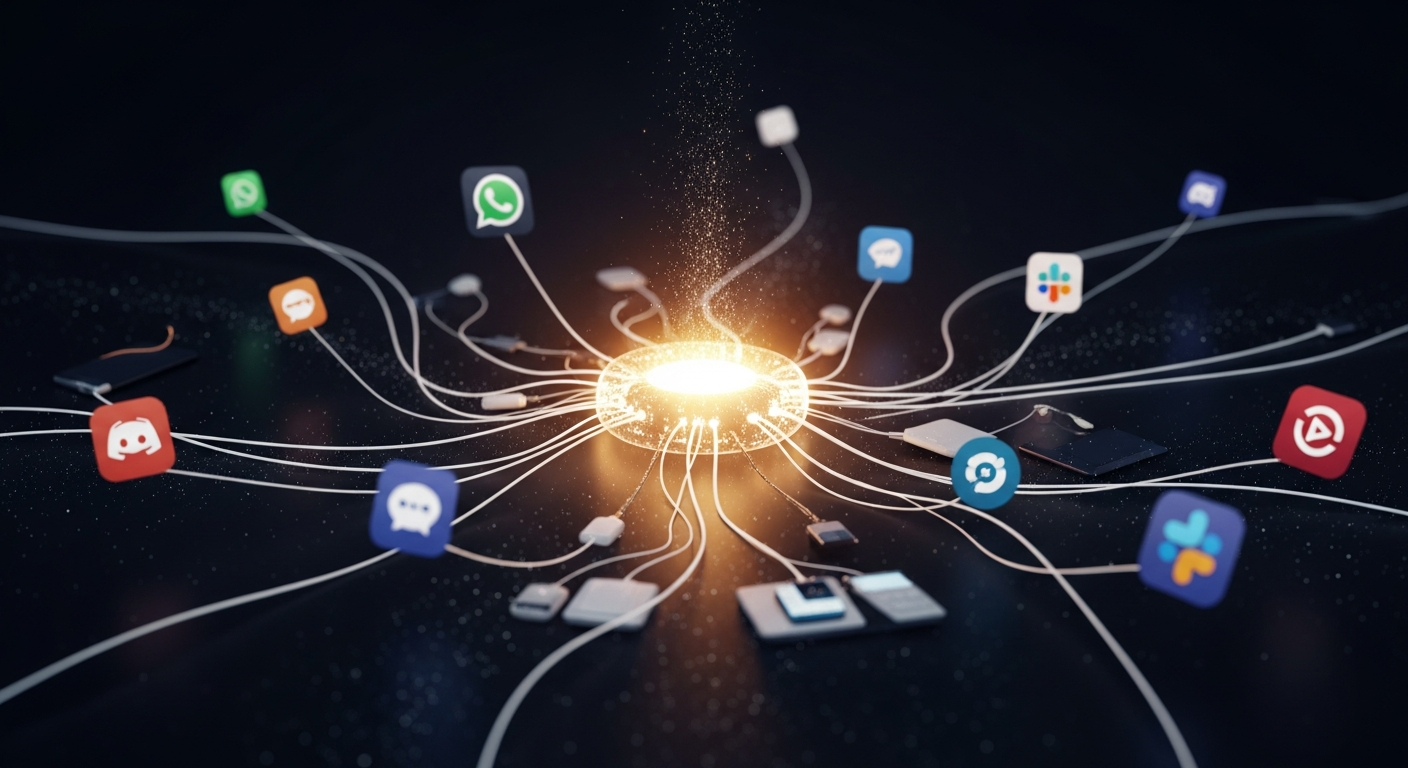
ClawdBot is a self-hosted AI gateway created by Peter Steinberger that connects your messaging platforms to powerful language models like Claude Opus 4.5. Instead of visiting ChatGPT or Claude.ai, you message your assistant on WhatsApp from your phone, continue the conversation on Slack at work, then voice-command it from your Mac.
Same assistant. Same memory. Everywhere.
The key differentiators:
- Self-hosted: Runs on your devices, not in the cloud. Your data stays yours.
- Multi-platform: WhatsApp, Telegram, Slack, Discord, Signal, iMessage, and more.
- Proactive: Can reach out to you with briefings, reminders, and alerts.
- Persistent memory: Remembers every conversation, preference, and context.
- Extensible: ClawdHub marketplace provides ready-made skills; the AI can even write its own.
How to Set Up ClawdBot
Requirements
- Node.js 22 or later
- macOS, Linux, or Windows (WSL2 strongly recommended)
- ~$5/month VPS for always-on operation (optional but recommended)
Installation
The setup is wizard-driven and surprisingly straightforward:
npm install -g clawdbot@latest
clawdbot onboard --install-daemon
The onboarding wizard walks you through:
- Gateway configuration (ports, authentication)
- Workspace directory selection
- Channel setup (WhatsApp, Telegram, Slack, etc.)
- Model selection (Anthropic Claude recommended)
- Initial skills installation
After completion, the dashboard opens at http://127.0.0.1:18789/.
Connecting Messaging Platforms
WhatsApp: ClawdBot uses WhatsApp Web under the hood. During setup, you'll scan a QR code—same as linking WhatsApp to a computer.
Telegram: Create a bot via @BotFather, get your token, add it to config.
Slack: Create a Slack app with Socket Mode enabled, set SLACK_BOT_TOKEN and SLACK_APP_TOKEN.
Each platform follows a similar pattern: obtain credentials, add to ~/.clawdbot/clawdbot.json, restart the gateway.
Configuration Deep Dive
The configuration file uses JSON5 format (comments allowed):
{
  // Agent settings
  agents: {
    defaults: {
      workspace: "~/clawd",
      model: { primary: "anthropic/claude-opus-4-5" }
    }
  },

  // Channel-specific settings
  channels: {
    whatsapp: {
      // CRITICAL: Restrict who can message your bot
      allowFrom: ["+15555550123"],
      dmPolicy: "pairing",  // Unknown senders get verification code
      sendReadReceipts: true
    },
    telegram: {
      botToken: "${TELEGRAM_BOT_TOKEN}"
    }
  },

  // Security: Control what the AI can do
  tools: {
    profile: "coding",
    allow: ["group:fs", "group:runtime"],
    deny: ["browser"]  // Remove this if you want browser automation
  }
}
Security tip: Always configure allowFrom. Without it, anyone with your phone number or bot token can interact with your AI—potentially running commands on your system.
Using ClawdBot Day-to-Day
Once configured, interaction is natural. Message your assistant like texting a friend:
- "What's on my calendar today?"
- "Summarize this article: [URL]"
- "Remind me to call mom tomorrow at 5pm"
- "Search for flights to Tokyo next month"
Chat Commands
Special commands are prefixed with /:
/status— View session info, model, token usage/think high— Enable extended reasoning mode/verbose on— See more detailed responses/newor/reset— Start fresh conversation
Voice Wake (macOS)
If you're on a Mac, Voice Wake enables hands-free operation:
- Enable in ClawdBot settings
- Grant Microphone, Speech, and Accessibility permissions
- Say your wake word followed by a command
- The transcription routes to your active gateway
The wake word requires a ~0.55 second pause before your command—prevents accidental triggers.
The ClawdHub Skills System
ClawdHub is the skills marketplace where capabilities live. With it enabled, your agent can automatically discover and install skills as needed.
Popular skills:
- Web research: Summarize articles, extract data, research topics
- Browser automation: Control headless Chrome, fill forms, use logged-in sessions
- Email/calendar: Check schedules, draft emails, manage tasks
- Developer tools: Run terminal commands, check logs, help with code
The most fascinating capability: conversational skill generation. Ask for a feature that doesn't exist, and the AI writes working code in real-time, essentially building its own extensions.
Real-World Use Cases
The community showcase reveals impressive implementations:
- Grocery automation: "Weekly meal plan → find regulars → book delivery slot → confirm order"
- PR review pipeline: Code changes trigger AI review, results sent via Telegram
- Home automation: Natural language control of air purifiers, vacuums, cameras
- iOS deployment: TestFlight app publishing entirely through chat commands
- Multi-agent orchestration: 14+ specialized agents coordinated under one gateway
One power user reported consuming 180 million API tokens. This is serious infrastructure, not a toy.
Security Considerations
Giving an AI assistant this much power requires careful configuration:
- allowFrom: Restrict who can message your bot
- pairing mode: Unknown senders must verify before access
- Sandboxing: Docker isolation for non-main sessions
- Tool denylists: Explicitly prevent dangerous capabilities
- Regular audits: Run
clawdbot security audit --fix
The skeptics raise valid concerns about "accidental, incorrect action from the LLM." These security features exist—use them.
The Verdict
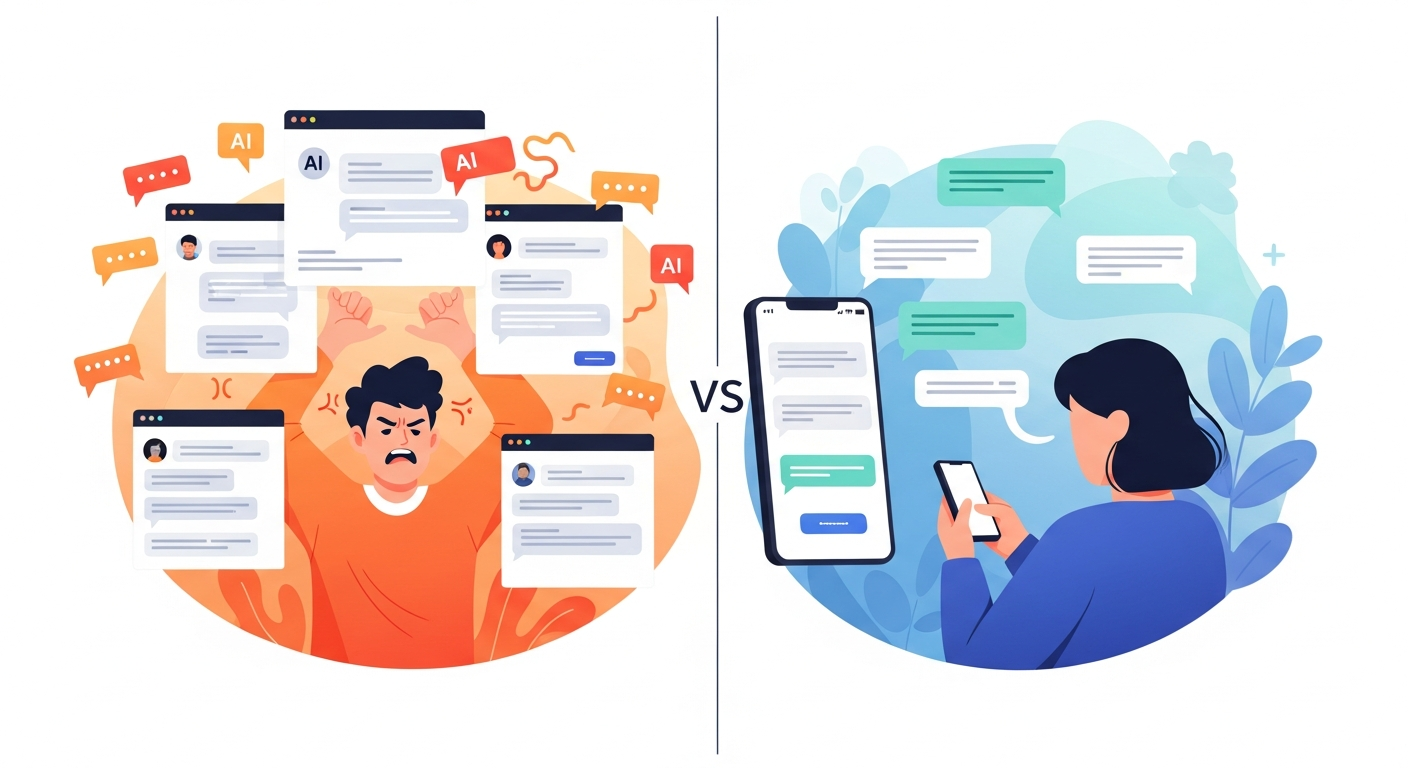
ClawdBot represents a glimpse of what personal AI should be: persistent, proactive, and present everywhere you are. The trade-off is complexity—you're trading Claude.ai's simplicity for full control and customization.
Best for:
- Technical users comfortable with Node.js and command lines
- Privacy-conscious individuals wanting self-hosted AI
- Power users frustrated by Siri's limitations
- Developers wanting AI integrated into their workflows
Not ideal for:
- Users wanting zero-setup experiences
- Those uncomfortable with VPS hosting
- Environments where autonomous AI execution is inappropriate
The project is early-stage but evolving rapidly—weekly releases, active Discord community, growing skills ecosystem. The architecture is sound. The vision is compelling.
The future of personal AI isn't another app to open. It's an assistant that meets you where you are.
Ready to try ClawdBot? Start at github.com/clawdbot/clawdbot or explore the official documentation.
Building your own AI workflows? Share your setup in our community.
Written by
Global Builders Club
Global Builders Club
If you found this content valuable, consider donating with crypto.
Suggested Donation: $5-15
Donation Wallet:
0xEc8d88...6EBdF8Accepts:
Supported Chains:
Your support helps Global Builders Club continue creating valuable content and events for the community.